Buy Genuine Windows & Microsoft Office License Keys – Fast, Safe, and Affordable
At WindowsKey.eu, we specialize in genuine digital licenses for Windows and Microsoft Office – including Windows 10, Windows 11, Office 2016, Office 2019, and Office 2021. Whether you're upgrading your PC or equipping your business, you’ll find official product keys at the best prices.
🔐 Why Choose WindowsKey.eu?
-
100% original license keys
-
One-time purchase – lifetime activation
-
Works with Windows & Office (32/64-bit)
-
License key delivered via email in about 1 hour
-
Trusted seller since 2008
-
Secure payment & step-by-step activation guide
💬 Need Help?
Use our smart AI chatbot anytime on the site for guidance. You can also switch to a live support agent via WhatsApp for personalized assistance.
🔍 Popular Products:
-
Windows 10 Pro & Home License Keys
-
Windows 11 Pro & Home
-
Microsoft Office 2016, 2019, 2021 – Home, Business, and Professional
-
Compatible with both Windows 10 and Windows 11
-
Supports Mac (Office 2019 & 2021) licenses
🎯 Whether you’re searching for a cheap Windows key, an Office license with lifetime activation, or a fast and secure way to activate your system, WindowsKey.eu is your trusted solution.
One-time purchase
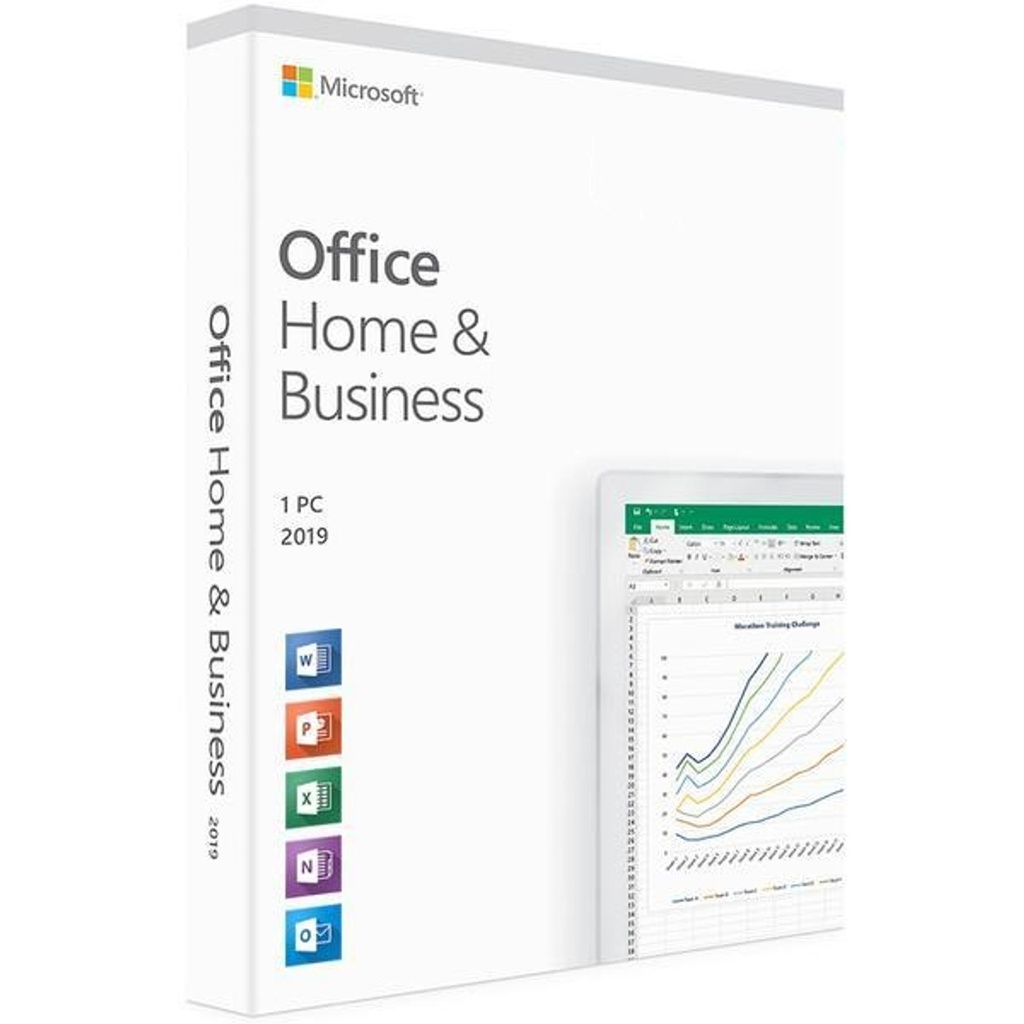
Microsoft Office Home & Business 2019 For Mac Activation Key
• Classic 2019 versions of Word, Excel, PowerPoint, and Outlook
• Microsoft support included for first 60 days at no extra cost
• Compatible with macOS*
• Works with Microsoft Teams
The essentials to get it all done. Microsoft Office Home & Business 2019 is for families and small businesses who want classic Office apps and email. It includes Word, Excel, PowerPoint, and Outlook for Mac Os. A one-time purchase installed on 1 Mac for use at home or work.
Internet access is required to install and activate Office, but not to use Office apps such as Word, Excel, and PowerPoint once you have these fully installed on your computer.
Microsoft Office Home & Business 2019 For Mac is a one-time purchase that comes with classic apps like Word, Excel, and PowerPoint for Mac, and does not include any of the services that come with a Microsoft 365 subscription. One-time purchases don’t have an upgrade option, which means if you plan to upgrade to the next major release, you’ll have to buy it at full price.
Once you have purchased Microsoft Office Home & Business 2019 For Mac, you can install it from the Services & subscriptions section of your Microsoft Account page.
Icons for Office applications are created when you install Office. You can start the applications by clicking the icons, which are installed in the following locations:
10.6 (Snow Leopard): Dock
10.7 (Lion): Dock and Launchpad
10.8 (Mountain Lion): Dock and Launchpad
10.9 (Mavericks): Dock and Launchpad
10.10 (Yosemite): You can start the applications by clicking the application icons which can be found in the Launchpad and Applications folder in Finder.
Requirements
Processor : macOS
Operating system : Mac OS for Mac
Memory : 4 GB RAM for Mac
Hard disk space : 10 GB for Mac
Display : 1280 x 800 for Mac
![youtube - [Video]](/web/image/product.image/15/image_128/youtube%20-%20%5BVideo%5D?unique=bde82c5)